Use 2.4 GHz for distant, low-bandwidth devices, 5 GHz as the everyday default, and 6 GHz for fast, modern devices close to an access point. The higher the frequency, the more speed you get and the less distance and wall penetration you keep. For a property or facility manager, the real work is matching each band to the building and its devices, not picking one winner.
TL;DR
- 2.4 GHz reaches farthest and passes through walls best, but it is the slowest and most congested band.
- 5 GHz is the balanced default: much faster than 2.4 GHz, with moderate range and more channels.
- 6 GHz (Wi-Fi 6E and Wi-Fi 7) is the fastest and cleanest, but it has the shortest reach and the weakest wall penetration, so it needs more access points.
- In concrete, multi-floor or multi-building properties, access point placement matters more than which band you enable.
- Cell boosters are a separate system from Wi-Fi: they amplify carrier signals (LTE and 5G), and they need an outdoor signal to work.
Table of Contents
- The three bands at a glance
- 2.4 GHz: reach, with a catch
- 5 GHz: the everyday default
- 6 GHz: fast, clean and short-range
- Which band for which device
- Should you use one network name or separate ones?
- How to tell which band a device is using
- Building materials decide more than the band
- A note on cell boosters: Wi-Fi bands are not cell bands
- What we see in the field
- When it is time to call a professional
- FAQ
- Sources
The three bands at a glance
A Wi-Fi band is the radio frequency range your network uses. Think of it as a road: 2.4 GHz is a long, narrow, crowded country road. 5 GHz is a wider highway. 6 GHz is a brand-new highway with few cars on it, but it is shorter.
| 2.4 GHz | 5 GHz | 6 GHz | |
|---|---|---|---|
| Range | Longest | Medium | Shortest |
| Wall penetration | Best | Moderate | Weakest |
| Typical top speed (Intel’s figures) | Up to 100 Mbps | Up to 1 Gbps | Up to 2 Gbps |
| Congestion | High | Moderate | Low |
| Compatible devices | Nearly everything | Most devices since the mid-2010s | Only Wi-Fi 6E and Wi-Fi 7 devices |
| Best for | Sensors, smart appliances, far corners | Laptops, phones, video calls | Docking stations, AR/VR, high-throughput devices near an access point |
The speed figures come from Intel’s comparison of the three bands, which also notes that 2.4 GHz gives the longest range and best wall penetration at the cost of speed and congestion. Real-world speeds are lower than these ceilings, and they depend on channel width, device capability, and distance.
2.4 GHz: reach, with a catch
The 2.4 GHz band is the oldest and most widely supported. Its longer wavelength bends around obstacles and passes through drywall, wood and glass better than the higher bands. That is why a 2.4 GHz signal still shows up at the far end of a hallway or in a back office where 5 GHz has dropped out.
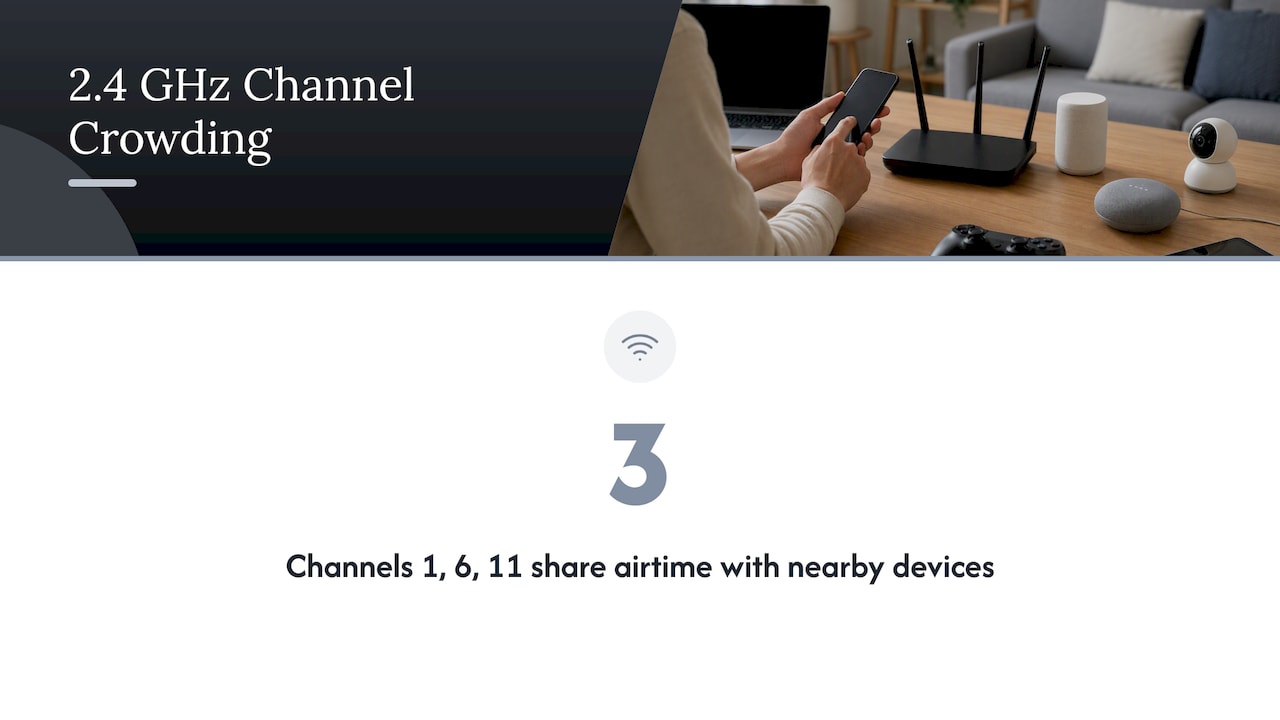
The catch is crowding. There are only three non-overlapping channels (1, 6 and 11) in the U.S., and everything shares them: neighboring tenants’ routers, Bluetooth devices, cordless equipment, and older Wi-Fi standards. Apple’s deployment guidance recommends channels 1, 6 and 11 on 2.4 GHz to limit co-channel interference, and recommends 5 GHz or 6 GHz in high-density spaces such as meeting rooms.
In an apartment complex or multi-tenant office, that crowding is the main reason a 2.4 GHz network feels slow even when the signal bars look full. We cover how to tell crowding from weak signal in our guide to office Wi-Fi interference and in what Wi-Fi signal numbers actually mean.
5 GHz: the everyday default
Most people who ask which Wi-Fi band to use should start here. 5 GHz offers far higher speeds than 2.4 GHz and many more channels, so devices spread out and interfere with each other less. It loses range and wall penetration, but in an open office, a lobby or a single-floor unit with a well-placed access point, it is the right choice for laptops, phones, tablets, smart TVs and video conferencing.
T-Mobile’s explanation of dual-band routers points to 5 GHz for activities like videoconferencing and intense multiplayer gaming, and to 2.4 GHz for smart appliances and other devices that join that band automatically.
5 GHz has one wrinkle worth knowing: in some channels, Wi-Fi must share spectrum with radar and defer to it. Those channels can cause brief dropouts near certain sources, which is one reason a professional survey is better than guessing.
6 GHz: fast, clean and short-range
6 GHz arrived in the U.S. with Wi-Fi 6E and is part of Wi-Fi 7. It adds a large block of fresh spectrum, so there is no legacy traffic: only newer devices can use it. Intel’s comparison puts the ceiling around 2 Gbps for 6 GHz in its example, with less interference from older Wi-Fi.
The trade-off is physical. Higher frequencies lose more energy over distance and through materials. Plan on a 6 GHz signal not making it through two walls the way 2.4 GHz does. In practice, 6 GHz works best in the same room, or one room away, from the access point. The FCC has also continued to expand how the band can be used: its 2023 fact sheet on unlicensed 6 GHz use describes a draft order to allow very low power devices in parts of the band without frequency coordination, for applications such as AR/VR.
So is 6 GHz worth enabling? Yes, if you have new laptops or phones that support it and access points close enough to serve them. No, if you expect it to replace the coverage you get from lower bands.
Which band for which device
| Device or use | Best band | Why |
|---|---|---|
| Smart thermostats, sensors, smart plugs, printers | 2.4 GHz | Many only support this band and need little bandwidth |
| Wireless IP cameras at a distance from the access point | 2.4 GHz (or a wired or point-to-point link) | Range and wall penetration matter more than speed |
| Laptops, phones, tablets in offices and units | 5 GHz | Strong speed with usable range |
| Video calls, conference rooms | 5 GHz or 6 GHz | High device density needs capacity |
| Workstations, AR/VR, large file transfers near an access point | 6 GHz | Highest throughput and cleanest spectrum |
| Fixed equipment that never moves | Wired Ethernet | Most reliable; frees airtime for mobile devices |
That last row is a rule we repeat on nearly every project: if a device does not move, cable it. Every device you take off Wi-Fi gives the rest more airtime.
Should you use one network name or separate ones?
Most modern routers and access points offer band steering, which nudges each device onto the best available band automatically. As T-Mobile’s explanation notes, band steering connects a device to the strongest available network. For guests, staff laptops and phones, one shared network name usually works well.
Split the bands into separate network names when you have stubborn devices. Some older smart devices fail to join a network name that also advertises 5 GHz. Giving them a dedicated 2.4 GHz network, ideally on a separate VLAN, solves that and keeps them off your main network.
How to tell which band a device is using
The method differs by device, but these checks work for most:
- Windows: open Settings, then Network & Internet, then Wi-Fi, then your network’s properties and look for “Network band.”
- Mac: hold Option and click the Wi-Fi icon in the menu bar. The channel number tells you the band: 1 to 11 is 2.4 GHz, and numbers above that are 5 GHz or 6 GHz.
- iPhone and Android: many newer versions show the band in the details of the connected network. If yours does not, use a free Wi-Fi analyzer app.
- Router or access point dashboard: the client list shows each device’s band, which is the most reliable view across a whole building.
Does Wi-Fi 6 improve wall penetration? Not in a meaningful way. Wi-Fi 6 improves efficiency and how well many devices share a channel, but the physics of a frequency do not change with the generation. A wall that blocks a 5 GHz signal will still weaken it under Wi-Fi 6. Only the 6 GHz band is a different, weaker-penetrating story.
Building materials decide more than the band
The band is one variable. The building is the other. ASUS notes in its support guidance on 2.4 and 5 GHz that drywall, wire mesh, metal and concrete can hinder Wi-Fi penetration, and it recommends placing the router centrally in an open area away from dense obstructions. For a house, that is enough. For a South Florida condo tower, a parking structure, or a warehouse, it is only the start.
Reinforced concrete, stucco over metal lath, impact-rated glass and elevator shafts are common in the region, and they punish higher bands hardest. If you manage one of these buildings, these guides go deeper:
- Wi-Fi in concrete buildings: how much signal concrete costs you and why.
- Why mesh falls short in concrete buildings: when consumer mesh kits disappoint.
- Warehouse Wi-Fi design: survey-driven planning for large, metal-heavy spaces.
- Types of network interference: what else steps on your channels.
The practical lesson: a higher band needs more access points, placed deliberately, with cabling run to each. Trying to cover a concrete building with one powerful router on 6 GHz will fail, and so will pushing 2.4 GHz harder, because crowding then becomes the bottleneck.
A note on cell boosters: Wi-Fi bands are not cell bands
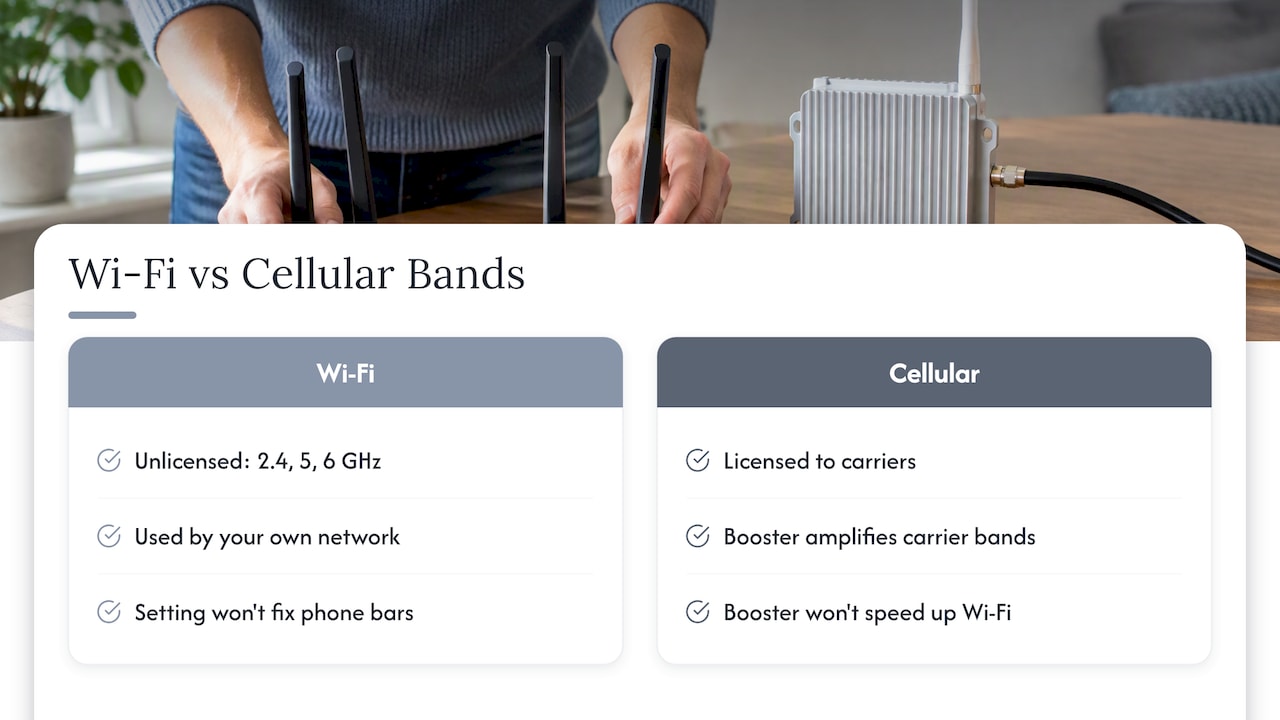
People searching for Wi-Fi bands often land on the question of whether 5G boosters work. They are different systems. Wi-Fi bands (2.4, 5 and 6 GHz) are unlicensed spectrum your own network uses. Cellular bands are licensed to carriers, and a cell booster amplifies them. A Wi-Fi setting will never fix weak bars on your phone, and a booster will not speed up your Wi-Fi.
Do boosters work for 5G? Yes, with conditions. Booster maker weBoost states that its systems can boost 5G when there is an outdoor signal to capture, using an outdoor antenna, a booster, and an indoor antenna. Boosters amplify a signal that exists; they cannot create coverage where there is none, and they need enough separation between the outdoor and indoor antennas to avoid feedback.
LTE vs 5G boosters: a modern commercial booster is designed to cover the carrier bands in use, including those carrying LTE and 5G, so the question to ask an installer is which bands and carriers a site survey shows you need. Note that signal weakens indoors in commercial buildings: see our measurements in 5G building penetration, and our guide on why cell signal is weak.
In the U.S., you must use an FCC-certified booster and meet your carrier’s consent and registration requirements. The FCC’s signal booster order sets out these rules, including the blanket consent that major carriers have granted for properly certified equipment. Check the current FCC and carrier pages before you buy anything.
What we see in the field
We install and maintain security cameras, motorized gates, wired and wireless networks, and cell boosters for properties in South Florida. That mix shows us the same mistake again and again: a property manager buys a stronger router, or turns on a fancier band, and the dead zone stays dead. The band is a setting. Coverage is a design.
Here is how we think about it:
- Survey first. We would rather measure a building than guess. Walls, floors, metal doors and neighboring networks decide what works.
- Cable everything that does not move. Cameras, gate controllers and access points belong on wired runs wherever possible. Wi-Fi is for people and mobile devices.
- Use bridges for distance. Between buildings or across a lot, a point-to-point link beats trying to stretch indoor Wi-Fi outdoors.
- Keep IoT on 2.4 GHz and separated. It is the band those devices expect, and isolating them protects the rest of the network.
- Treat 6 GHz as a bonus layer. It is great where the access point is close, and a poor substitute for planning elsewhere.
— Aaron
When it is time to call a professional
If you manage several buildings, a garage, or a gated community, band settings will not solve what is really a design problem. Our wired and wireless network installation and maintenance service covers access point placement, cabling and point-to-point links between structures. If your concern is weak carrier signal rather than Wi-Fi, we also run a commercial cell booster site survey to find out what a building needs before any equipment is ordered. Contact us through the site for a proposal tailored to your property.
FAQ
Should I connect to 5 GHz or 6 GHz?
Use 6 GHz when your device supports it and you are in the same room as, or close to, the access point, since it offers the least interference and the highest speeds. Use 5 GHz when you are farther away or on the other side of walls. If your device keeps dropping the 6 GHz connection as you move, that is normal, and it will fall back to 5 GHz.
Which Wi-Fi band is best for a smart device or camera?
Most low-bandwidth smart devices work on 2.4 GHz only, and its range helps when the device is far from the access point. For security cameras, wired power-over-Ethernet is more reliable than any wireless band, and a point-to-point link is better than Wi-Fi between buildings.
Is 2.4 GHz obsolete?
No. It is slower and more crowded, but it remains the most compatible band and the best at passing through walls. Keep it enabled for older and low-bandwidth devices, and move laptops and phones to 5 GHz or 6 GHz where you can.
Do 5G cell boosters work?
Yes, when there is a usable outdoor signal for the booster to amplify and the antennas are installed with enough separation to prevent feedback. They cannot generate coverage where none exists, and they must be FCC-certified and registered with your carrier under the FCC’s rules.
Sources
- Intel: 2.4 GHz vs. 5 GHz vs. 6 GHz
- Apple: Optimize your Wi-Fi networks for Apple devices
- T-Mobile: Understanding dual band Wi-Fi routers
- FCC fact sheet: Unlicensed use of the 6 GHz band
- ASUS: Difference between 2.4 GHz and 5 GHz
- FCC 13-21: signal booster order