Security system monitoring is the continuous process of overseeing cameras, sensors, alarms, and access controls to detect threats and maintain safety across a property. Property and facility managers who know how to monitor security systems effectively reduce incident response times, cut false alarms, and stay compliant with insurance and regulatory requirements. The industry term for this practice is security surveillance management, and it covers both self-monitoring and professionally monitored setups. Getting this right requires the correct tools, a repeatable process, and scheduled audits.
How to monitor security systems: tools and requirements
Effective monitoring starts with the right hardware and software in place. The core components are IP cameras, motion sensors, door and window contacts, a central control panel, and a network video recorder (NVR) or cloud storage system. Each component must communicate reliably with the others, which means your network infrastructure is just as critical as the cameras themselves.
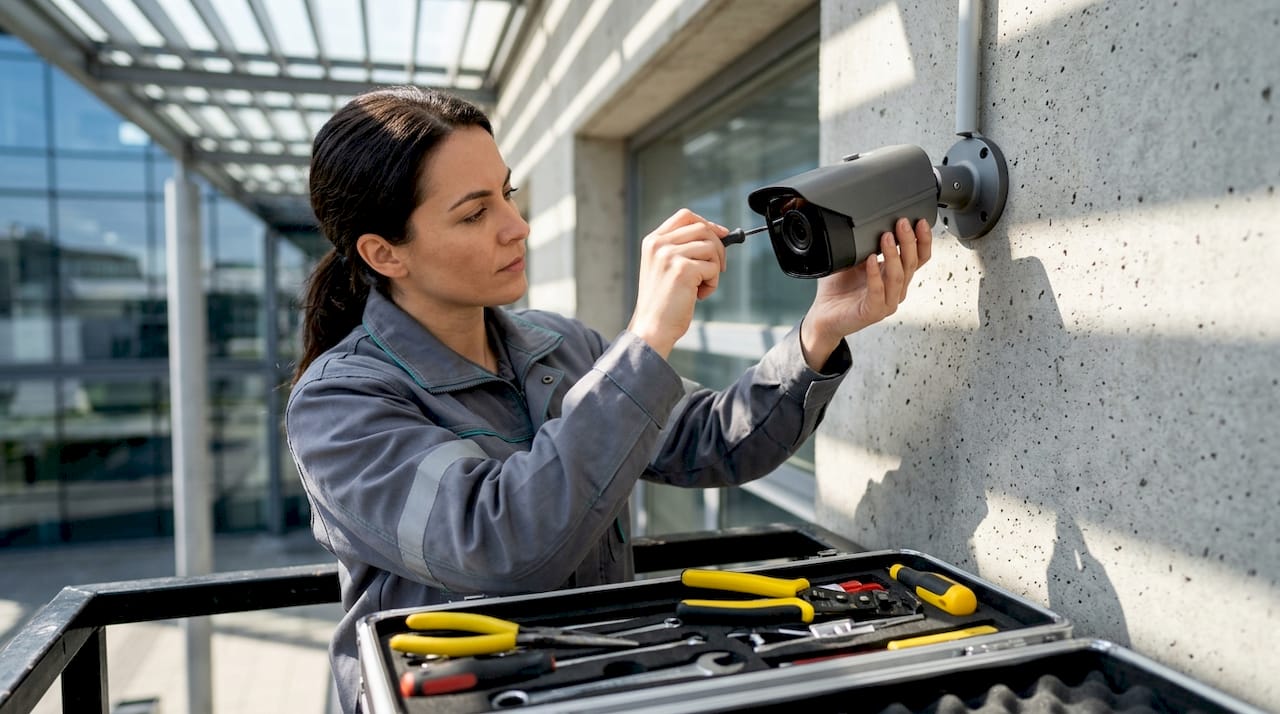
Network requirements deserve serious attention. Cameras and sensors need a dedicated VLAN (virtual local area network) to isolate security traffic from general office or tenant traffic. Firmware on every device must stay current. Outdated firmware is the most common entry point for unauthorized access to security systems.
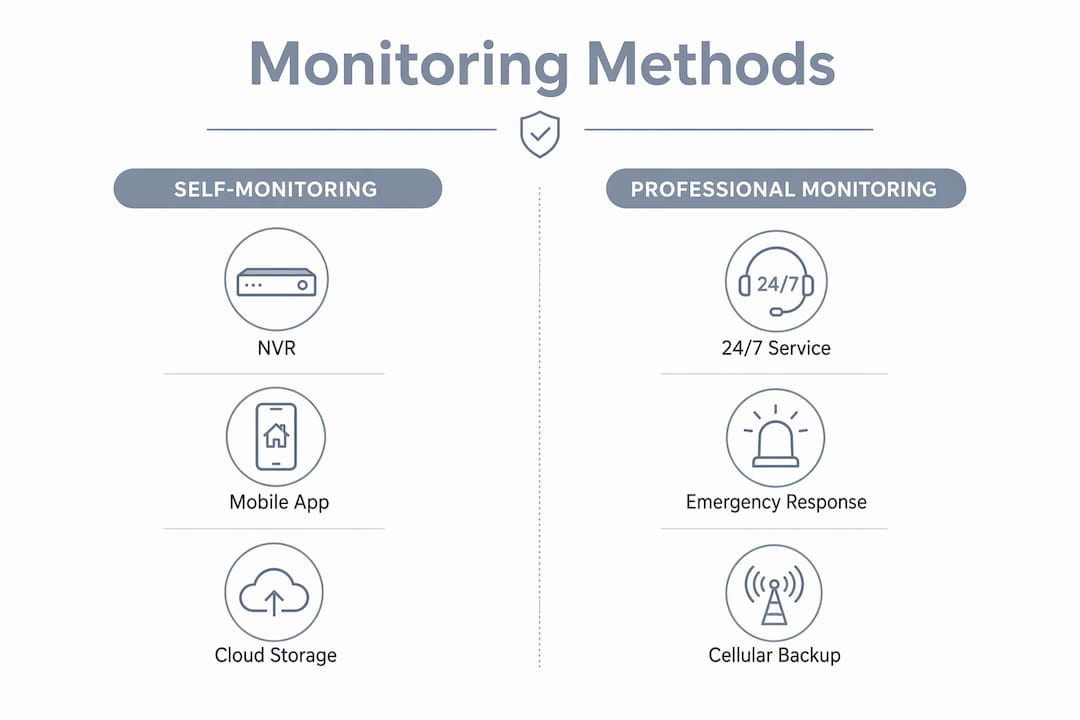
The table below compares the three primary monitoring methods property managers use, along with their typical tool requirements.
| Monitoring method | Key tools required | Best for |
|---|---|---|
| Self-monitoring | NVR, mobile app, cloud storage | Small properties with on-site staff |
| Professional monitoring | Control panel, cellular communicator, monitoring center contract | Large or unattended facilities |
| Hybrid monitoring | NVR, cloud backup, professional escalation service | Multi-site or mixed-use properties |
Professional monitoring is recommended for critical reliability and fast emergency response, especially when a facility is unattended. Professional monitoring costs range from $20 to $80 per month, while self-monitoring can be free with the right app setup.
Pro Tip: Prioritize systems with cellular backup. A cellular communicator keeps your monitoring active during internet or power outages, which is when most opportunistic break-ins occur. Lowvoltagecorp installs cellular-capable control panels for exactly this reason.
What steps make security monitoring efficient?
A structured process separates reactive managers from proactive ones. Follow these steps to build a monitoring routine that catches problems before they become incidents.
- Configure alert thresholds. Set motion sensitivity zones on each camera to match the actual traffic patterns of that area. A loading dock needs different settings than a lobby.
- Set up remote access through official apps. Remote camera viewing is safer using official apps with strong passwords and two-factor authentication, rather than direct internet port exposure or outdated DDNS methods.
- Establish a daily review cycle. Review overnight footage and alert logs every morning. Flag any motion events that triggered outside expected patterns.
- Run a weekly connectivity check. Confirm that every camera is recording and every sensor is reporting. A camera that goes offline silently is a blind spot.
- Set up automated health reports. Most NVR and cloud platforms send daily status emails. Enable these and assign one staff member to review them.
- Test alarm response monthly. Trigger a test alarm and time the response. Professional monitoring response targets are under 30 seconds. If your system misses that benchmark, escalate to your provider.
- Document every incident. Log the date, camera ID, event type, and action taken. This record supports insurance claims and compliance reviews.
The advantages of remote monitoring for facility managers go beyond convenience. Remote access lets you verify an alert from anywhere, which cuts unnecessary on-site dispatch and reduces false alarm penalties from local law enforcement.
Pro Tip: Schedule system audits during off-hours, specifically late nights and weekends. Off-hours testing detects temporal blind spots that only appear when facilities are unstaffed. Most coverage gaps show up between 11:00 PM and 5:00 AM.
How to audit and evaluate security systems for optimal performance
A security audit is a structured review of every component in your system to confirm it works, covers the right areas, and meets compliance requirements. Security audits are not just for large enterprises. Any property with more than one camera or sensor benefits from a formal annual review.
The annual hardware audit covers four critical areas. First, check firmware versions on every camera, NVR, and control panel and update anything that is more than one version behind. Second, change all default credentials. Default usernames and passwords are publicly listed for most devices and represent a direct vulnerability. Third, verify VLAN isolation. Security traffic should never share a network segment with guest Wi-Fi or tenant devices. Fourth, confirm physical camera positioning. Lenses shift over time, especially on exterior mounts exposed to wind or vibration.
Integrating cameras and access control systems improves response times and accuracy by linking access events to specific video footage. A door-forced-open alarm means nothing without the corresponding camera clip. Siloed systems slow investigations and reduce the value of your entire security investment.
The table below outlines audit activities and their recommended frequency.
| Audit activity | Recommended frequency |
|---|---|
| Firmware updates | Quarterly |
| Credential rotation | Every 6 months |
| Camera positioning check | Quarterly |
| VLAN and network isolation review | Annually |
| Full hardware inventory | Annually |
| Off-hours functional test | Semi-annually |
| Integration test (cameras + access control) | Annually |
Documenting the audit with dates, responsible personnel, and findings is critical for insurance and compliance purposes. An audit trail also gives you a baseline to measure improvement year over year. Without documentation, you cannot prove to an insurer or regulator that your system was functioning at the time of an incident.
For a practical starting point, Lowvoltagecorp’s guide on maintaining security equipment walks through the physical inspection steps in detail.
Troubleshooting common issues in security monitoring
Most monitoring failures fall into three categories: connectivity problems, false alarms, and power loss. Knowing the fix for each one before it happens saves you hours of reactive scrambling.
- Connectivity drops. A camera that stops reporting is usually caused by a PoE (Power over Ethernet) switch port failure, a loose cable, or a DHCP address conflict. Assign static IP addresses to every security device to eliminate address conflicts permanently.
- False alarms. High false alarm rates come from poorly calibrated motion zones, camera placement near HVAC vents, or trees and shrubs moving in frame. Adjust motion sensitivity and add exclusion zones in your NVR software. Professional monitoring with video verification cuts police dispatch times by up to 73% and reduces false alarms significantly.
- Power outages. A system that goes dark during a power cut is not a security system. Install UPS (uninterruptible power supply) units on NVRs and control panels. Pair this with a cellular backup communicator so alerts still reach your monitoring center. Learn more about backup power planning for properties of any size.
- Remote access failures. If your app cannot connect to cameras, the most common cause is an expired DDNS entry or a router firmware update that reset port settings. Switch to a VPN-based or cloud-relay access method to avoid this entirely.
Pro Tip: Label every device physically and in your NVR software with the same naming convention, for example “CAM-01-NorthGate” or “SENSOR-04-ServerRoom.” Clear labeling cuts troubleshooting time in half when you are working under pressure.
Key Takeaways
Effective security system monitoring requires structured daily reviews, annual audits, and cellular backup to maintain coverage without gaps.
| Point | Details |
|---|---|
| Use cellular backup | Cellular communicators keep monitoring active during internet and power outages. |
| Audit off-hours | Test systems during nights and weekends to find blind spots that daytime checks miss. |
| Integrate cameras and access control | Linking both systems connects access events to footage for faster incident resolution. |
| Document every audit | Written records with dates and findings support insurance claims and compliance reviews. |
| Review alerts daily | A morning review of overnight logs catches anomalies before they escalate into incidents. |
What I’ve learned after years of monitoring real properties
The biggest mistake I see property managers make is treating security monitoring as a set-and-forget task. They install cameras, hand the login to a staff member, and assume the system is working. Six months later, three cameras have been offline for weeks and nobody noticed.
The second most common oversight is skipping integration. Managers often have cameras on one platform and access control on another, with no connection between them. When an incident happens, they are pulling footage from one system and door logs from another, manually matching timestamps. That process takes hours. A properly integrated system does it in seconds.
Off-hours testing changed how I think about coverage entirely. The first time I ran a full audit at 2:00 AM on a commercial property, I found two cameras pointed at walls after a cleaning crew moved them, a motion sensor with a dead battery, and a door contact that had been disabled and never re-enabled. None of that showed up in the daytime review. Schedule your next audit for a Saturday night and see what you find.
Documentation is the piece most managers skip because it feels administrative. It is not. An audit trail is your proof of due diligence. When an insurance adjuster asks whether your system was operational on the night of a claim, your answer needs to be a signed document, not a memory.
— Aaron
Professional support for property and facility managers
Property managers who want consistent monitoring results without building every process from scratch benefit from working with a specialist. Lowvoltagecorp provides installation, repair, and maintenance for security cameras, motorized gates, wired and wireless networks, and cell boosters across South Florida properties.

Good monitoring depends on good hardware, and good hardware depends on proper installation and upkeep. Lowvoltagecorp’s camera repair workflow gives property managers a clear process for handling equipment failures without extended downtime. For managers focused on surveillance effectiveness, the lighting guide for surveillance covers how to position and spec lighting so cameras capture usable footage around the clock. Both resources are built for the operational realities of managed properties.
FAQ
What is the best method for monitoring security cameras remotely?
Use official manufacturer apps with two-factor authentication and strong passwords rather than direct port forwarding. VPN-based or cloud-relay access methods are the most secure options for remote camera viewing.
How often should a facility manager audit a security system?
Conduct a full hardware audit at least once per year, with quarterly firmware checks and semi-annual off-hours functional tests to catch blind spots that daytime reviews miss.
What does professional monitoring cost for a commercial property?
Professional monitoring typically ranges from $20 to $80 per month depending on the service level and number of monitored zones, with equipment and installation costs varying by property size.
How do I reduce false alarms in my security system?
Calibrate motion sensitivity zones to match actual traffic patterns, add exclusion zones near HVAC vents or moving vegetation, and use a monitoring service that offers video verification before dispatching police.
Why does security system integration matter for property managers?
Linking cameras to access control systems connects door events directly to video footage, which cuts investigation time and improves incident accuracy compared to managing two separate, unconnected platforms.