Wireless networks fall into three primary categories defined by range, data rate, and the spectrum they use. A Wireless Personal Area Network (WPAN) connects personal devices within roughly 10 meters, using technologies like Bluetooth or ZigBee. A Wireless Local Area Network (WLAN) covers a building or campus within a local area, with Wi-Fi (IEEE 802.11) as the dominant standard. A Wireless Wide Area Network (WWAN) spans cities and regions using cellular technologies like LTE, operating on licensed spectrum managed by carriers. Here is a quick snapshot:
- WPAN: Short-range, low power, personal device connectivity (Bluetooth, ZigBee)
- WLAN: Mid-range, high data rate, home and office networking (Wi-Fi)
- WWAN: Long-range, mobile coverage, cellular connectivity (LTE, 5G)
One thing worth knowing upfront: Wi-Fi is not synonymous with wireless networking. It is one protocol within one category. Understanding the full picture helps you make smarter decisions about what your home or business actually needs.
Table of Contents
- How WPAN, WLAN, and WWAN differ in real-world use
- How to choose the right wireless network for your space
- Installation and maintenance practices that actually hold up
- Wireless protocols beyond Wi-Fi you should know about
- Key Takeaways
How WPAN, WLAN, and WWAN differ in real-world use
Each wireless network type occupies a distinct performance tier. Knowing where each one fits saves you from over-engineering a simple setup or under-specifying a demanding one.
| Network Type | Typical Range | Data Rate | Common Use Cases | Spectrum Type |
|---|---|---|---|---|
| WPAN | Short range appropriate for personal devices | Low to moderate | Peripherals, wearables, sensors | Unlicensed (2.4 GHz ISM) |
| WLAN | Local area within buildings or campuses | High | Home/office internet, streaming, VoIP | Unlicensed (2.4 GHz / 5 GHz) |
| WWAN | Large areas beyond local coverage | Low to moderate | Mobile data, remote sites, cellular backup | Licensed (carrier-managed) |
WPAN is the network you rarely think about but use constantly. Your wireless keyboard, Bluetooth headset, and smart thermostat sensor all run on WPAN protocols. WPAN connects devices in close proximity, requiring minimal infrastructure. The tradeoff is throughput: these protocols prioritize low power over raw speed.
WLAN is where most homes and businesses spend the bulk of their networking budget. A well-placed access point running 802.11ac or Wi-Fi 6 can serve dozens of devices simultaneously across a single floor. The 5 GHz band delivers faster speeds over shorter distances, while 2.4 GHz reaches farther but handles less traffic before slowing down. Both operate on unlicensed ISM bands, which means no carrier fees, but also no protection from neighboring interference.
WWAN operates differently from the other two. Carriers hold licensed spectrum, which gives LTE and 5G networks predictable performance across wide areas. For a business with a remote job site, a retail location without fiber access, or a property that needs cellular backup when the primary connection drops, WWAN fills the gap nothing else can. The cost structure is also different: you pay a monthly service plan rather than a one-time equipment purchase.
A fourth category worth noting is the Wireless Metropolitan Area Network (WMAN), which bridges the gap between WLAN and WWAN. WMANs use the IEEE 802.16 standard (WiMAX) to cover up to 50 kilometers, connecting multiple buildings or neighborhoods. They appear less often in residential settings but show up in municipal broadband and campus-wide deployments.
How to choose the right wireless network for your space
Picking the wrong network type is a common and expensive mistake. The right choice depends on four factors working together.
- Coverage area: A single-family home needs one or two WLAN access points. A 20,000-square-foot warehouse may need a mesh WLAN system, a WWAN backup, and WPAN sensors throughout the floor.
- Device density: More devices per square foot demand higher-capacity access points and careful channel planning. Businesses often combine network types or select standards like 802.11ac to handle dense device environments.
- Data throughput: Video surveillance, 4K streaming, and large file transfers need WLAN. Sensor telemetry and smart locks do not.
- Mobility requirements: Workers who move between buildings or travel off-site need WWAN. A fixed office setup does not.
- Cost structure: WLAN has upfront hardware costs with no recurring fees. WWAN adds monthly carrier charges. WPAN is nearly free to deploy but limited in scope.
- Interference potential: Unlicensed bands (2.4 GHz especially) get crowded in dense urban environments. Apartment buildings, hotels, and multi-tenant offices often see degraded Wi-Fi performance from overlapping networks.
For properties that need wireless network evaluation across multiple units or floors, a professional site assessment before purchasing any hardware saves significant rework costs.
Pro Tip: Never size a wireless network for today’s device count. Add 30–40% headroom for devices that will be added within two years. Smart home adoption, IP cameras, and employee-owned devices all expand faster than most owners expect.
Installation and maintenance practices that actually hold up
A wireless network that works on day one but degrades within six months is a design failure, not a hardware failure. Most performance problems trace back to three avoidable mistakes: skipping the site survey, ignoring interference sources, and treating security as an afterthought.
- Conduct a site survey first. Map signal coverage before placing access points. Concrete walls, metal shelving, and HVAC equipment all attenuate signals in ways that floor plans do not show.
- Use mesh networking for complex layouts. Mesh systems relay data between nodes without requiring a wired run to every access point, which makes them practical for multi-story homes and buildings where pulling cable is disruptive.
- Separate your networks. Run IoT devices and guest users on isolated VLANs or SSIDs, away from your primary business or home network. This limits the blast radius if a device is compromised.
- Apply WPA3 encryption on all WLANs. For Bluetooth-based WPANs, enable device pairing authentication and disable discoverability when not actively pairing. Proper security configurations prevent unauthorized access and data interception.
- Schedule quarterly reviews. Check firmware on routers and access points, audit connected devices, and verify that signal coverage has not degraded due to new obstructions or added devices.
- Document everything. Label access points, record IP assignments, and keep a log of configuration changes. When something breaks at 11 PM, documentation is the difference between a 10-minute fix and a two-hour hunt.
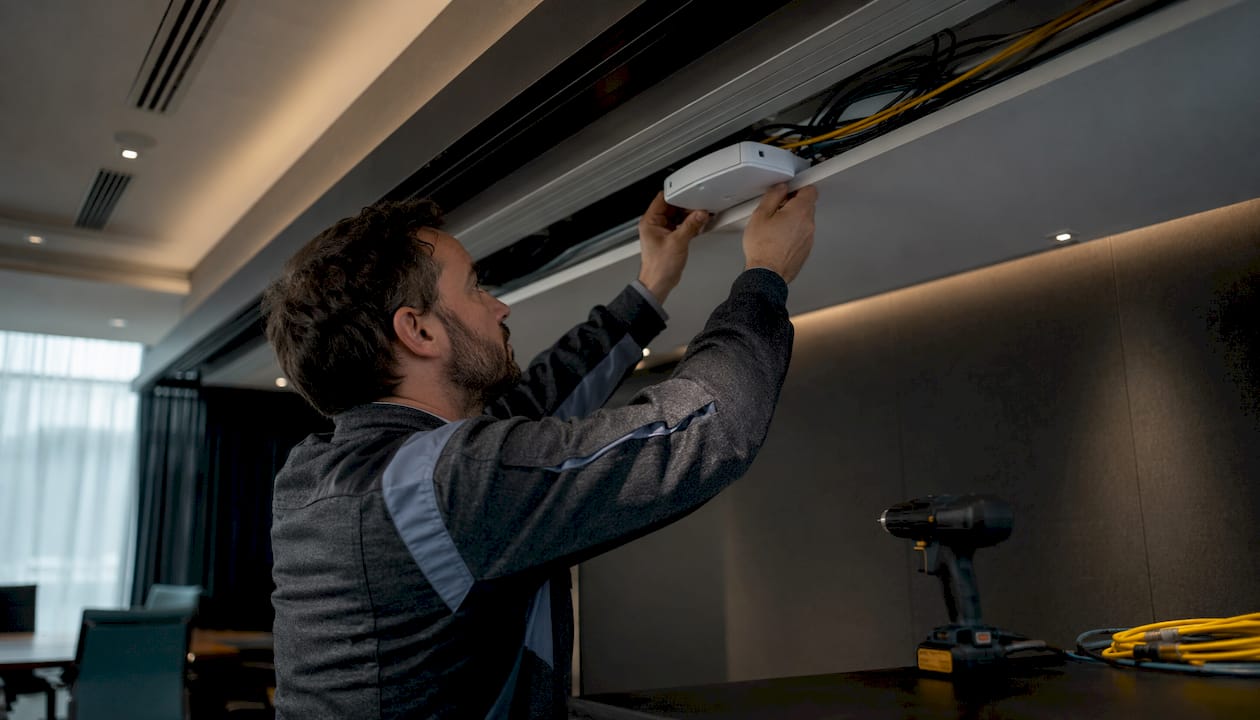
Lowvoltagecorp’s installation teams follow a structured deployment process built around professional site surveys and interference mitigation, which is the same methodology the research consistently points to as the baseline for reliable wireless performance.
Pro Tip: Position access points at ceiling height near the center of the coverage zone, not in corners or near exterior walls. Corner placement is the single most common access point mistake in residential installs, and it cuts effective range by roughly half.
Wireless protocols beyond Wi-Fi you should know about
Wi-Fi handles most of the heavy lifting, but several other protocols do jobs Wi-Fi was never designed for. Each one occupies a specific niche defined by power consumption, range, and data rate.
- Bluetooth (IEEE 802.15.1): Designed for short-range device pairing at low power. Connects headsets, keyboards, speakers, and wearables. Range tops out around 10 meters in typical conditions, and data rates are moderate. Not suited for network backbones, but indispensable for personal device connectivity.
- ZigBee (IEEE 802.15.4): Built specifically for low-data-rate sensor networks. ZigBee focuses on low-power networking for devices like smart bulbs, door sensors, thermostats, and occupancy detectors. It forms a mesh among devices, so adding more nodes actually extends coverage. Data rates are slow by design, but battery life on ZigBee sensors can stretch to years.
- LTE / 5G (cellular WWAN): Operates on licensed spectrum managed by carriers. LTE enables connections across cities and regions, making it the go-to for mobile workers, remote sites, and failover connectivity. 5G extends this with significantly higher throughput in dense urban areas.
- UWB (Ultra-Wideband): Supports high data rates over very short distances and excels at precise indoor positioning. Used in newer smartphones for device-to-device file transfer and in industrial settings for real-time asset tracking.
- IrDA (Infrared): Line-of-sight only, limited range, and largely legacy at this point. Still appears in some industrial remote controls and medical devices where RF interference is a concern.
For home automation specifically, ZigBee and Bluetooth Low Energy (BLE) are the two protocols most likely to appear in a professionally installed smart home system. If you are setting up IoT devices at home, understanding how these protocols interact with your existing WLAN helps avoid the interference and pairing conflicts that frustrate most DIY setups.
For properties integrating wired and wireless infrastructure together, pairing the right wireless protocol with a solid home ethernet wiring backbone gives you the best of both worlds: wireless flexibility at the edges, wired reliability at the core.
Lowvoltagecorp installs and maintains wired and wireless networks, security cameras, motorized gates, and cell boosters across residential and commercial properties. If your property needs a professional network assessment or a full wireless deployment, the wireless setup guide is a practical starting point before any hardware goes on the wall.

Key Takeaways
Choosing the right wireless network type requires matching range, data rate, spectrum type, and device density to the specific demands of your home or business environment.
| Point | Details |
|---|---|
| Three core network types | WPAN (about 10 meters), WLAN (up to 100 meters), and WWAN (beyond 50 kilometers) each serve distinct connectivity needs. |
| Spectrum determines cost structure | WLAN and WPAN use unlicensed bands with no carrier fees; WWAN requires a licensed carrier plan. |
| Protocol choice beyond Wi-Fi matters | ZigBee suits low-power sensors; LTE covers wide-area mobility; Bluetooth handles personal devices. |
| Installation quality drives longevity | Site surveys, mesh placement, and WPA3 security prevent the majority of post-install performance failures. |
| Size for future device growth | Build in 30–40% capacity headroom to accommodate smart devices and additional users added over time. |