Security equipment maintenance is the systematic practice of inspecting, cleaning, testing, and updating devices like CCTV cameras, alarm systems, and access control panels to keep them functioning reliably. Skipping this discipline does not just shorten equipment lifespan. It creates real coverage gaps that expose your property to theft, liability, and compliance failures. Whether you manage a commercial building, a residential complex, or an industrial site, a structured maintenance program is the difference between a security system that works and one that only looks like it does. This guide covers the tools, schedules, troubleshooting techniques, and AI monitoring strategies that keep your systems operational.
What tools and supplies are necessary for effective security equipment upkeep?
The right supplies determine whether your maintenance work protects equipment or damages it. Physical tools form the foundation of any maintenance kit.
Core physical tools every technician needs:
- Microfiber cloths for lens and housing surfaces
- Specialized lens cleaner formulated for optical coatings (never standard glass cleaner)
- Compressed air canisters for blowing dust from vents, connectors, and sensor housings
- A digital voltmeter for checking power supply output and battery health
- Torque screwdrivers for tightening mounting hardware without stripping threads
- Cable testers for verifying network and coaxial connections
- Isopropyl alcohol (90% or higher) for contact cleaning on terminals
Standard glass cleaners damage security camera lenses by degrading anti-glare coatings that are critical for low-light performance. This means a single improper cleaning can permanently reduce image quality in ways no firmware update will fix.
On the software side, your toolkit should include firmware updater applications provided by your device manufacturer, network diagnostic tools like Wireshark or your NVR’s built-in health dashboard, and an AI-based monitoring platform for continuous system health checks. Avigilon, Milestone Systems, and Genetec all offer integrated health monitoring modules that flag degraded cameras or storage issues automatically.
Pro Tip: Always check your camera or alarm manufacturer’s documentation before purchasing cleaning supplies. Some dome camera housings use polycarbonate that reacts poorly to alcohol-based cleaners. Using the wrong product voids warranties and causes permanent hazing.
Choosing environment-suitable supplies matters as much as choosing the right type. Outdoor cameras in coastal or high-humidity environments need moisture-resistant contact sprays and UV-stable housing sealants. Indoor access control panels in climate-controlled spaces require far less aggressive maintenance products.
How to perform scheduled maintenance checks on security equipment
Scheduled maintenance is the backbone of security equipment upkeep. The goal is to catch small problems before they become system failures.
Daily and weekly tasks
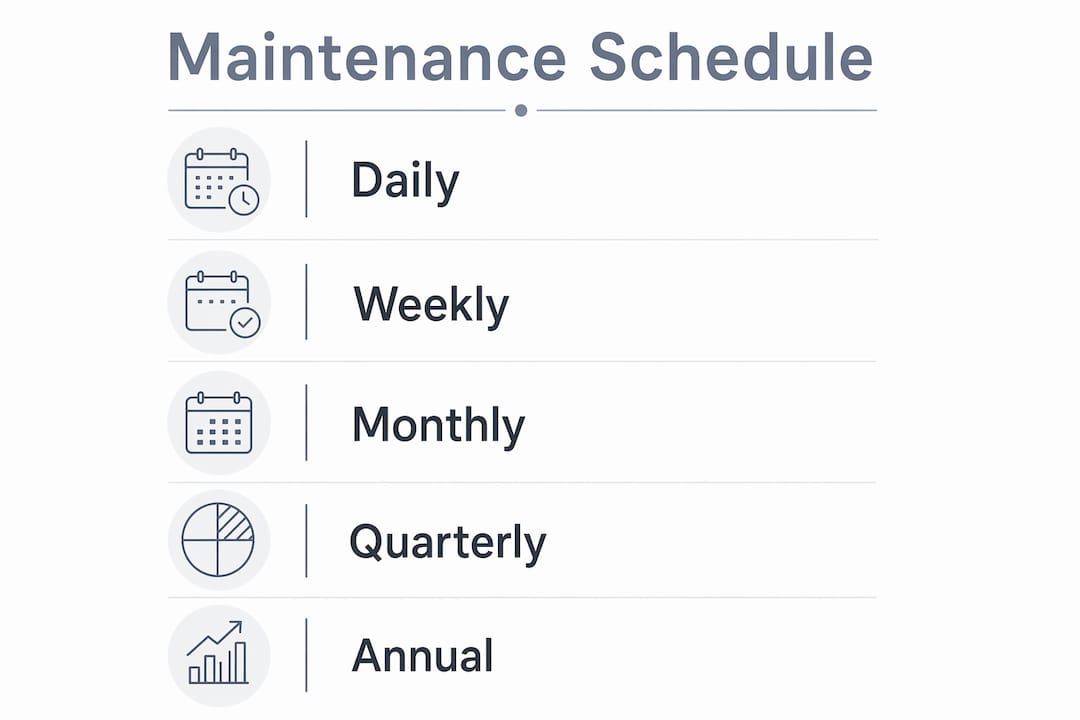
A daily visual check takes under five minutes per camera zone. Confirm that indicator lights are active, housings show no visible damage, and camera angles have not shifted. For alarm systems, verify that the control panel shows no fault codes. Weekly, test a sample of motion sensors by walking through their detection zones and confirming alerts register correctly.
Monthly maintenance actions
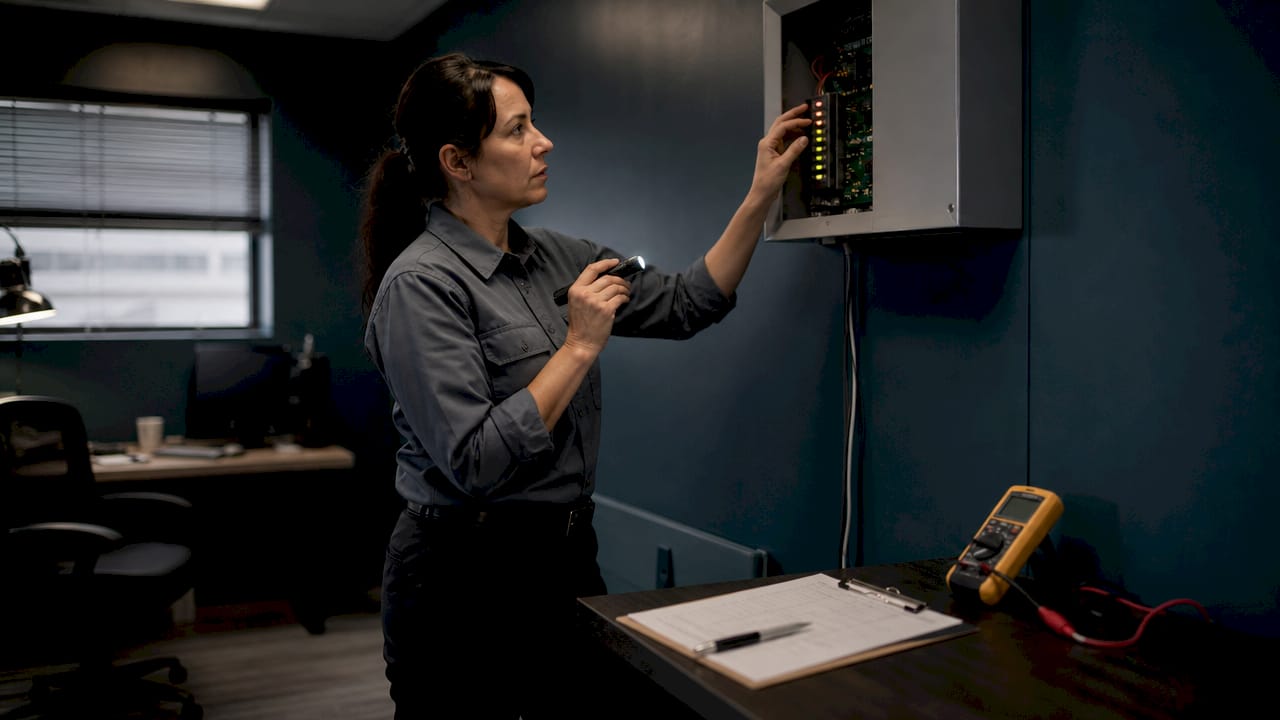
Monthly firmware updates and password reviews minimize the risk of unauthorized access and system compromise. Rotate passwords quarterly for high-risk deployments like financial institutions or multi-tenant residential buildings. Beyond cybersecurity, monthly tasks include cleaning camera lenses with a microfiber cloth and appropriate lens cleaner, checking all cable connections for corrosion or looseness, and reviewing recorded footage to confirm storage is writing correctly.
Quarterly and annual inspections
Quarterly checks should include a full power supply audit. Inspect adapters, UPS units, and batteries for signs of wear. Weak batteries in wireless sensors show up as delayed wake-up times and shorter recording clips, both of which are easy to miss without deliberate testing. Seasonal foliage growth and light shifts affect camera field of view, so quarterly is also the right time to reassess camera angles and sensor zones.
Annual audits should include a complete functional test of every device, a review of access control response times, and a test of fire-response release protocols on electric locks. Access control testing including battery checks and response times confirms that locking mechanisms perform correctly during emergencies, not just during normal operations.
Maintenance schedule summary:
| Frequency | Task | Device Type |
|---|---|---|
| Daily | Visual inspection, indicator light check | CCTV, alarms, access control |
| Weekly | Motion sensor walk-test, panel fault code review | Alarms, access control |
| Monthly | Lens cleaning, firmware update, password review, storage check | CCTV, NVR, smart cameras |
| Quarterly | Power supply audit, cable inspection, camera angle reassessment | All devices |
| Annual | Full functional test, access control response test, compliance audit | All devices |
Pro Tip: Log every maintenance action with the date, technician name, firmware version applied, and any parts replaced. A maintenance activity log is your best defense during an insurance claim or compliance audit.
What are common issues in security equipment and how do you troubleshoot them?
Knowing how to troubleshoot security equipment quickly separates a minor inconvenience from a prolonged coverage gap. Most faults fall into four categories: image quality degradation, connectivity loss, false alarms, and power failures.
Quick diagnostics checklist:
- Blurry or hazy image: check for dirty lens, condensation inside the housing, or IR reflection off a nearby surface
- No image or black screen: verify power supply output with a voltmeter, check cable connections, confirm the NVR channel is active
- Intermittent connectivity: test the network switch port, check PoE power budget, run a cable test for signal loss
- False motion alerts: inspect sensor alignment, check for nearby heat sources like HVAC vents, review sensitivity settings
- Access control not responding: test battery voltage on the lock, verify door position sensor alignment, check the controller for fault codes
Step-by-step troubleshooting process
Start with the simplest fix. Clean the lens before assuming a camera is failing. Power cycle the device before assuming a network fault. Firmware updates patch bugs and vulnerabilities but require a controlled approach. Verify model compatibility, back up your current configuration, update one device at a time, and validate functionality immediately after each update. If an update causes instability, roll back to the previous firmware version before proceeding.
For connectivity issues, check whether the problem is isolated to one camera or affects an entire switch. A single camera with packet loss points to a cable fault or a failing PoE injector. Multiple cameras dropping simultaneously points to a switch, router, or ISP issue. Use your NVR’s built-in diagnostic panel or a tool like low voltage troubleshooting resources to isolate the fault layer by layer.
Escalate to professional support when you encounter physical damage to housings, persistent power faults after replacing batteries and adapters, or any situation where the system fails a fire-response protocol test. These are not DIY fixes.
Pro Tip: Log every fault and the intervention you used. After three months, patterns emerge. If the same camera loses connectivity every time it rains, you have a cable ingress problem, not a software issue. Without the log, you will keep treating the symptom instead of the cause.
How can AI-powered monitoring improve security system maintenance and uptime?
AI health monitoring represents a shift from reactive to predictive maintenance for security systems. Instead of discovering a failed camera during an incident review, AI platforms flag the problem hours or days earlier.
AI vision inspection detects degraded image quality and full storage disks automatically and generates work orders before a manual inspection would catch the issue. This matters most in large facilities where a technician physically checking 200 cameras monthly is neither practical nor cost-effective.
AI monitoring vs. traditional manual inspection:
| Capability | Manual inspection | AI health monitoring |
|---|---|---|
| Image quality detection | Requires physical review | Continuous automated analysis |
| Storage health alerts | Checked during scheduled visits | Real-time alerts when thresholds are reached |
| Fault work order generation | Manual after discovery | Automated on detection |
| Coverage gap identification | Reactive, post-incident | Proactive, pre-incident |
| Compliance documentation | Manual log entries | Auto-generated audit trails |
Continuous monitoring of image quality, network connectivity, and storage health prevents coverage gaps and reduces liability exposure. For property managers, this also means your insurance documentation is automatically updated rather than assembled under pressure after an incident.
General commercial buildings typically retain 30 days of surveillance footage, while financial and healthcare institutions require 90 days or more. AI storage monitoring confirms that your retention settings are actually being met, not just configured. The advantages of remote monitoring extend this further by giving facility managers real-time visibility across multiple sites from a single dashboard.
AI tools work best when layered on top of a disciplined manual maintenance schedule, not as a replacement for it. Use AI to catch what humans miss between scheduled visits. Use scheduled visits to handle physical cleaning, hardware replacement, and hands-on testing that no software can perform.
Key takeaways
Consistent, scheduled maintenance is the single most effective strategy for keeping security equipment reliable, compliant, and ready to perform when it matters most.
| Point | Details |
|---|---|
| Use correct cleaning supplies | Specialized lens cleaner and microfiber cloths prevent permanent coating damage on cameras. |
| Follow a frequency-based schedule | Daily visual checks, monthly firmware updates, and annual audits catch faults at every level. |
| Troubleshoot systematically | Start with the simplest fix, isolate the fault layer, and log every intervention for pattern analysis. |
| Layer AI monitoring over manual routines | AI detects silent failures between scheduled visits and auto-generates compliance documentation. |
| Log everything | Maintenance records protect you during insurance claims, audits, and recurring fault diagnosis. |
What 15 years in the field taught me about security maintenance
The biggest mistake I see property managers make is treating maintenance as a one-time setup task. They install a system, run it for two years without touching it, and then wonder why the footage from a break-in is too blurry to use in court. That is not a technology failure. That is a discipline failure.
The second most common mistake is over-complicating the process. You do not need a 40-step checklist to maintain a 12-camera system. You need a simple log, a consistent schedule, and the right cleaning supplies. I have seen facilities with basic monthly routines outperform sites with expensive equipment that nobody maintained. Consistency beats complexity every time.
AI monitoring tools are genuinely useful, but only when the fundamentals are already in place. If your cameras have dirty lenses and loose cable connections, no AI platform will fix that. It will just alert you to the symptom while the root cause continues to degrade the system. Get the physical maintenance right first, then layer in the technology.
One thing I advocate strongly for is the maintenance log. It sounds tedious, but it is the single document that saves you during an insurance dispute, a compliance inspection, or a recurring fault that nobody can explain. Every technician at Lowvoltagecorp documents every visit, every firmware version, and every part replaced. That log has resolved more disputes than any piece of hardware we have ever installed.
— Aaron
How Lowvoltagecorp supports your security system maintenance
Lowvoltagecorp specializes in the installation, repair, and maintenance of security cameras, motorized gates, wired and wireless networks, and cell boosters across South Florida. If your system needs a scheduled maintenance plan, a troubleshooting visit, or a full upgrade to more reliable hardware, the Lowvoltagecorp team brings hands-on low voltage expertise to every job.
Property managers and security personnel who want to reduce downtime and cut long-term costs can explore cost-saving security upgrades tailored for South Florida properties. For facilities looking to reduce energy consumption while maintaining coverage, the energy-efficient security tips resource covers practical upgrades that pay for themselves. Contact Lowvoltagecorp to build a maintenance plan that fits your site, your budget, and your compliance requirements.
FAQ
How often should security cameras be cleaned?
Clean security camera lenses monthly using a microfiber cloth and a specialized lens cleaner. In dusty or coastal environments, increase cleaning frequency to every two to three weeks to prevent coating degradation.
What causes blurry security camera footage?
The most common causes are a dirty or damaged lens, condensation inside the camera housing, and IR reflection from nearby surfaces. Clean the lens first before assuming a hardware fault.
How do I know when to update security camera firmware?
Check your manufacturer’s release notes monthly and apply updates when they patch security vulnerabilities or fix known bugs. Always back up your configuration and update one device at a time to avoid disrupting the full system.
What records should I keep for security equipment maintenance?
Log the date, technician name, firmware version, battery replacements, and any repairs for every maintenance visit. This documentation supports insurance claims, compliance audits, and recurring fault diagnosis.
When should I call a professional for security equipment issues?
Call a professional when you encounter physical housing damage, persistent power faults after replacing batteries and adapters, or any failure in fire-response release protocols on access control systems. These faults require hands-on low voltage expertise to resolve safely.